
ctop unter Ubuntu 24.04 (Noble Numbat) installieren
Obacht: ctop ist veraltet, verwende daher lazydocker oder gomanagedocker stattdessen.
Obacht: die offizielle Installationsmethode klappt nicht (siehe unten). Verwende stattdessen folgende Befehle:
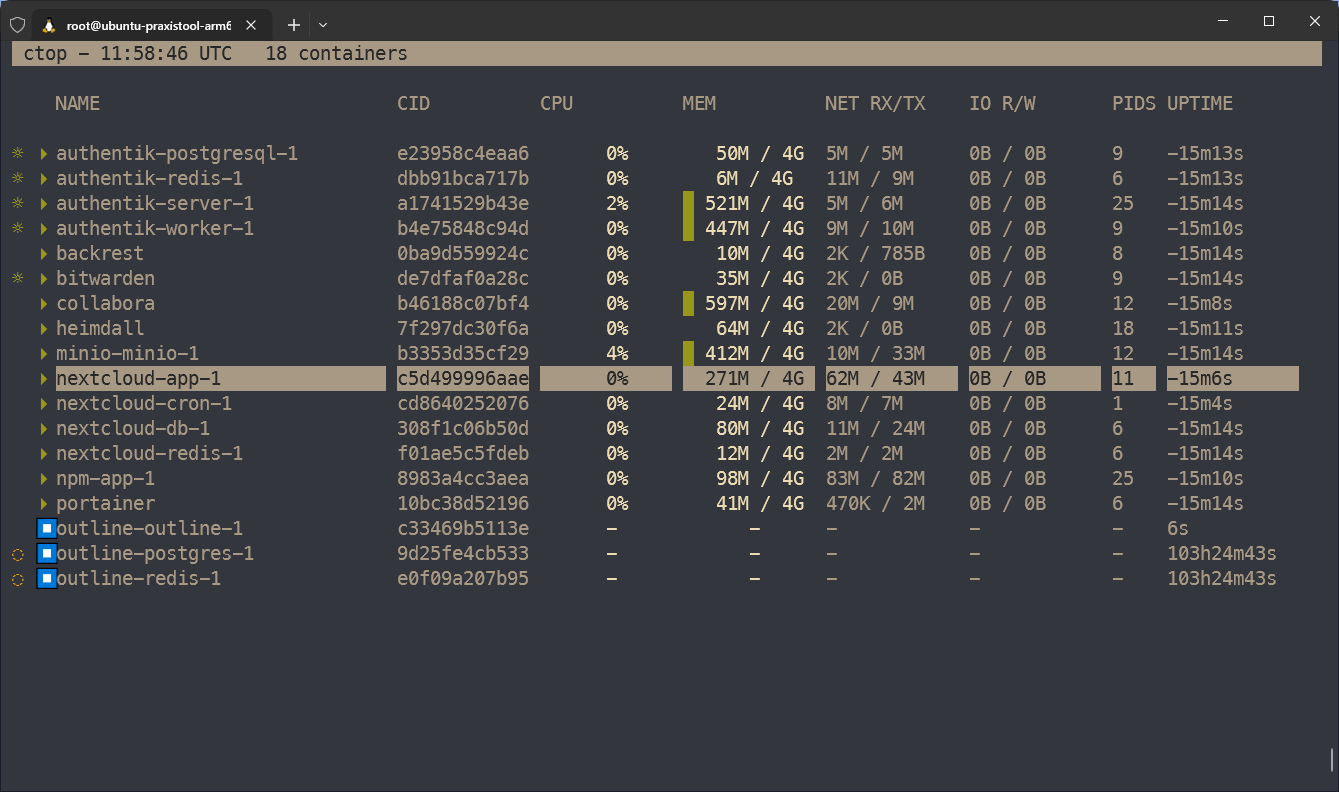
ctop
#arm:
sudo wget https://github.com/bcicen/ctop/releases/download/v0.7.7/ctop-0.7.7-linux-arm64 -O /usr/local/bin/ctop
#amd64:
sudo wget https://github.com/bcicen/ctop/releases/download/v0.7.7/ctop-0.7.7-linux-amd64 -O /usr/local/bin/ctop

#kann auch sein, dass es in /usr/bin/ctop (ohne local) muss also
#arm:
sudo wget https://github.com/bcicen/ctop/releases/download/v0.7.7/ctop-0.7.7-linux-arm64 -O /usr/bin/ctop
#amd64:
sudo wget https://github.com/bcicen/ctop/releases/download/v0.7.7/ctop-0.7.7-linux-amd64 -O /usr/bin/ctop
sudo chmod +x /usr/local/bin/ctop
#bzw.
sudo chmod +x /usr/bin/ctopctop=
Problem mit offizieller Installationsanleitung
Befehl zum installieren von https://github.com/bcicen/ctop
sudo apt-get install ca-certificates curl gnupg lsb-release
curl -fsSL https://azlux.fr/repo.gpg.key | sudo gpg --dearmor -o /usr/share/keyrings/azlux-archive-keyring.gpg
echo \
  "deb [arch=$(dpkg --print-architecture) signed-by=/usr/share/keyrings/azlux-archive-keyring.gpg] http://packages.azlux.fr/debian \
  $(lsb_release -cs) main" | sudo tee /etc/apt/sources.list.d/azlux.list >/dev/null
sudo apt-get update
sudo apt-get install docker-ctop
Fehlermeldung
root@ubuntu-praxistool-arm64:~# sudo apt-get update
Hit:1 https://mirror.hetzner.com/ubuntu/packages noble InRelease
Hit:2 https://mirror.hetzner.com/ubuntu/packages noble-updates InRelease
Hit:3 https://mirror.hetzner.com/ubuntu/packages noble-backports InRelease
Hit:4 https://mirror.hetzner.com/ubuntu/security noble-security InRelease
Hit:5 https://download.docker.com/linux/ubuntu noble InRelease
Ign:6 http://packages.azlux.fr/debian noble InRelease
Err:7 http://packages.azlux.fr/debian noble Release
  404  Not Found [IP: 2a01:728:401:1c::100 80]
Reading package lists... Done
E: The repository 'http://packages.azlux.fr/debian noble Release' does not have a Release file.
N: Updating from such a repository can't be done securely, and is therefore disabled by default.
N: See apt-secure(8) manpage for repository creation and user configuration details.
No comments to display
No comments to display