
Nginx Proxy Manager (NPM)
2026-02-08
version: '3.8'
services:
  app:
    image: 'jc21/nginx-proxy-manager:2.13.7'
    restart: always
    ports:
      - '80:80'
      - '81:81'
      - '443:443'
    volumes:
      - data:/data
      - le:/etc/letsencrypt

volumes:
  data:
  le:
Dateien über NPM zur Verfügung stellen
Dateien ins volume data hochladen:
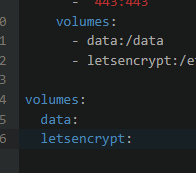
Pfad zb in
/var/lib/docker/volumes/npm_data/_data/nginx/default_www/images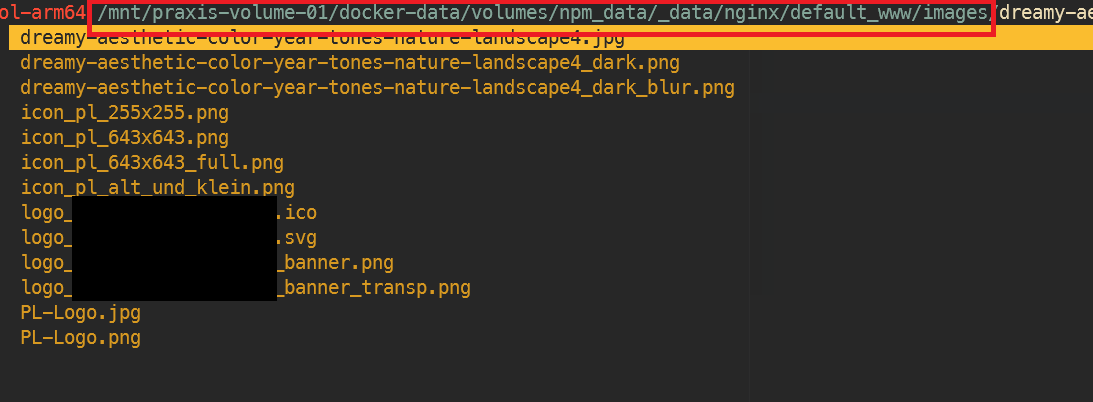
dann unter npm > proxy host > edit > advanced > custom nginx configuration:
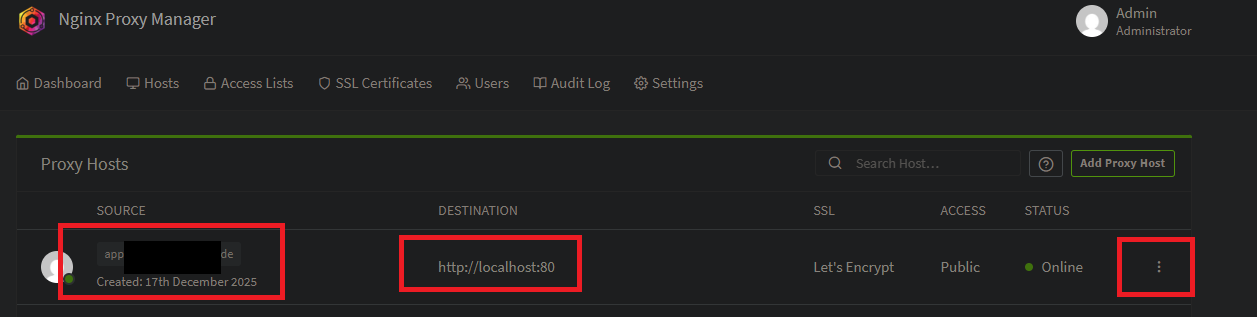
>>>
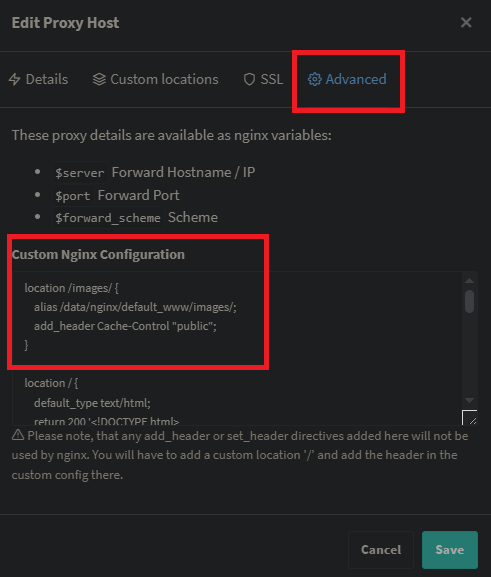
mit folgendem Inhalt:
location /images/ {
    alias /data/nginx/default_www/images/;
    add_header Cache-Control "public";
}

location / {
    default_type text/html;
    return 200 '<!DOCTYPE html>
<html lang="de">
<head>
    <meta charset="UTF-8">
    <meta name="viewport" content="width=device-width, initial-scale=1.0">
    <title>In Arbeit</title>
    <style>
        body {
            margin: 0;
            height: 100vh;
            display: flex;
            justify-content: center;
            align-items: center;
            font-family: Arial, sans-serif;
            background: linear-gradient(135deg, #667eea 0%, #764ba2 100%);
            color: white;
        }
        h1 {
            font-size: 2.5rem;
            text-align: center;
        }
    </style>
</head>
<body>
    <h1>Platzhalter, diese Seite befindet sich im Aufbau</h1>
</body>
</html>';
}
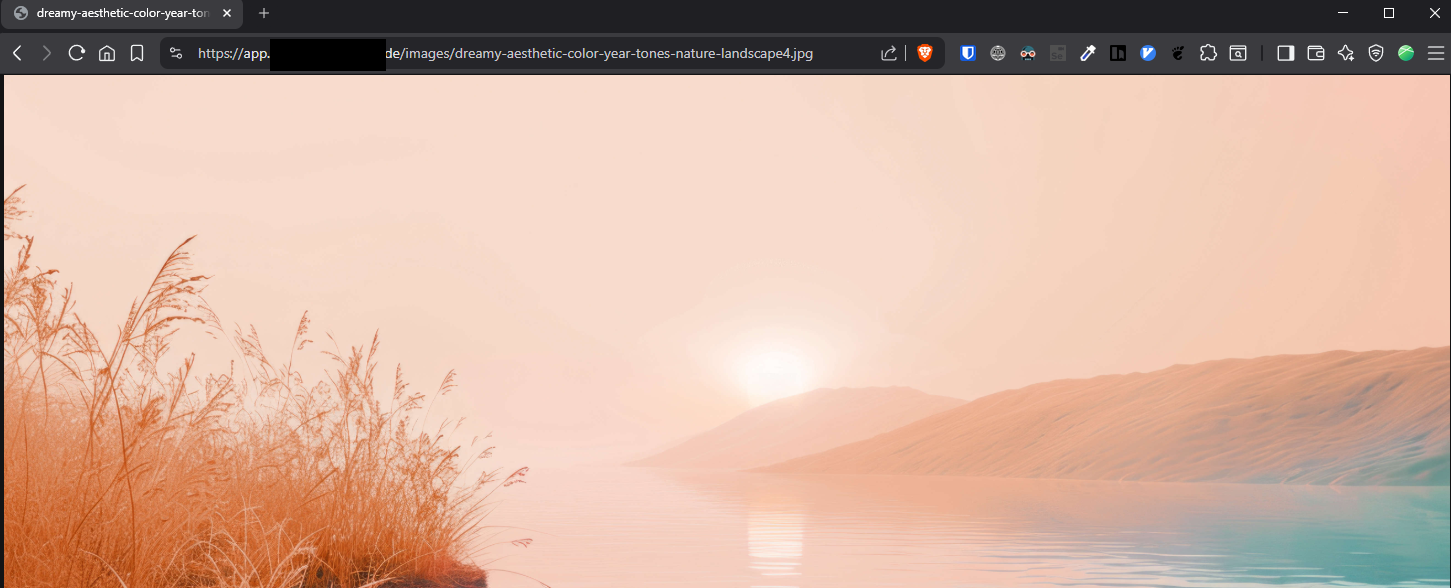
Danach sind die Dateien unter der url aufrufbar, zb
https://app.MEINEDOMAIN.de/images/dreamy-aesthetic-color-year-tones-nature-landscape4.jpg

Alte Einträge:
EA
services:
  nginxreverseproxymanager:
    image: jlesage/nginx-proxy-manager
    container_name: NginxReverseProxyManager
    restart: unless-stopped
    ports:
      - 8082:8080
      - 8181:8181
      - 4443:4443
    volumes:
      - /srv/dev-disk-by-label-LaufwerkSRaid/LaufwerkS/docker/nginxreverseproxymanager:/config:rw
WPD
version: "2"
services:
  app:
    image: 'jc21/nginx-proxy-manager:latest'
    restart: unless-stopped
    ports:
      # These ports are in format <host-port>:<container-port>
      - 8080:80 # Public HTTP Port
      - 8443:443 # Public HTTPS Port
      - 8181:81 # Admin Web Port
      # Add any other Stream port you want to expose
      # - '21:21' # FTP

    # Uncomment the next line if you uncomment anything in the section
    # environment:
      # Uncomment this if you want to change the location of
      # the SQLite DB file within the container
      # DB_SQLITE_FILE: "/data/database.sqlite"

      # Uncomment this if IPv6 is not enabled on your host
      # DISABLE_IPV6: 'true'

    volumes:
      - ./nginx/data:/data
      - ./nginx/letsencrypt:/etc/letsencrypt
STANDARDLOGIN
admin@example.com
changeme
WIS / FN
version: '3.8'
services:
  app:
    image: 'jc21/nginx-proxy-manager:2.9.22'
    restart: always
    ports:
      - '80:80'
      - '81:81'
      - '443:443'
    volumes:
      - ./data2:/data
      - ./letsencrypt2:/etc/letsencrypt
No comments to display
No comments to display