# Nginx Proxy Manager (NPM)
### 2026-02-08
```yaml
version: '3.8'
services:
app:
image: 'jc21/nginx-proxy-manager:2.13.7'
restart: always
ports:
- '80:80'
- '81:81'
- '443:443'
volumes:
- data:/data
- le:/etc/letsencrypt
volumes:
data:
le:
```
### Dateien über NPM zur Verfügung stellen
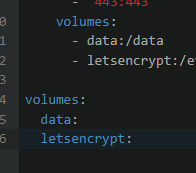
Dateien ins volume data hochladen:
[](https://wiki.folkerts.it/uploads/images/gallery/2026-03/xK0image.png)
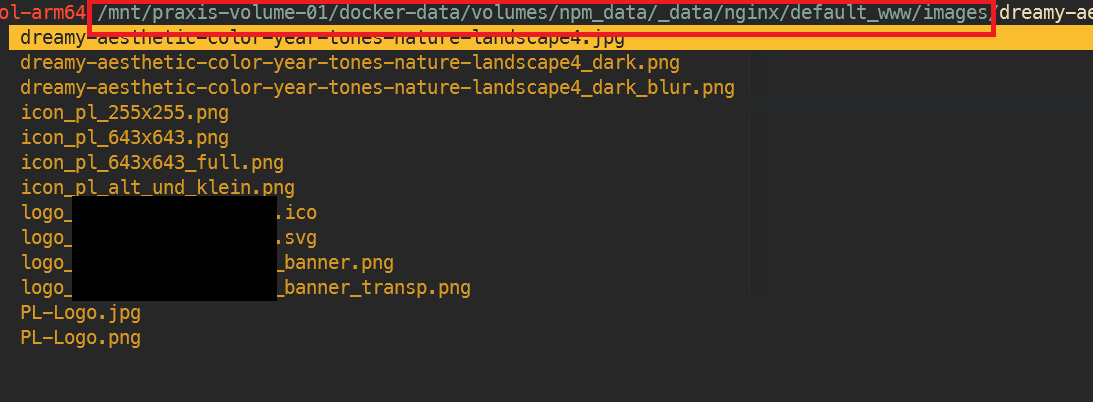
Pfad zb in
```
/var/lib/docker/volumes/npm_data/_data/nginx/default_www/images
```
[](https://wiki.folkerts.it/uploads/images/gallery/2026-03/dJzimage.png)
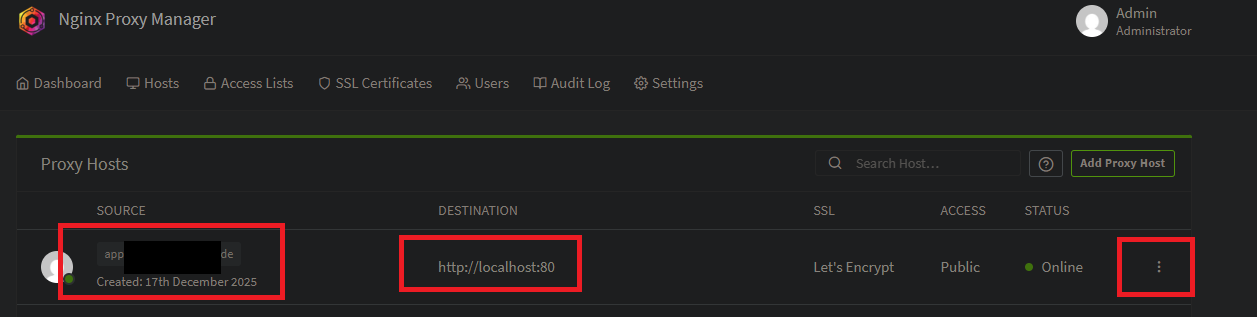
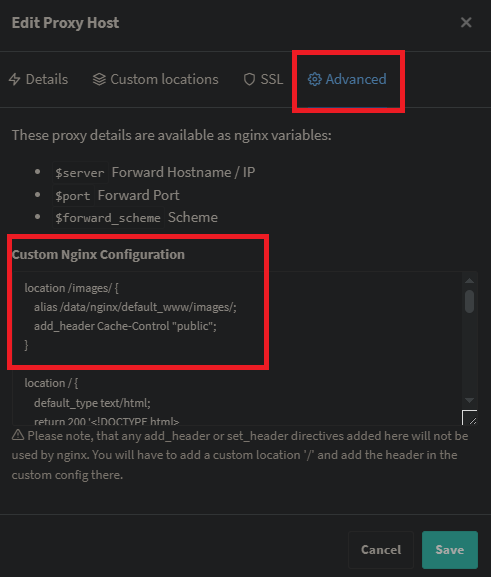
dann unter npm > proxy host > edit > advanced > custom nginx configuration:
[](https://wiki.folkerts.it/uploads/images/gallery/2026-03/9VXimage.png)
>>>
[](https://wiki.folkerts.it/uploads/images/gallery/2026-03/Re1image.png)
mit folgendem Inhalt:
```
location /images/ {
alias /data/nginx/default_www/images/;
add_header Cache-Control "public";
}
location / {
default_type text/html;
return 200 '
In Arbeit
Platzhalter, diese Seite befindet sich im Aufbau
';
}
```
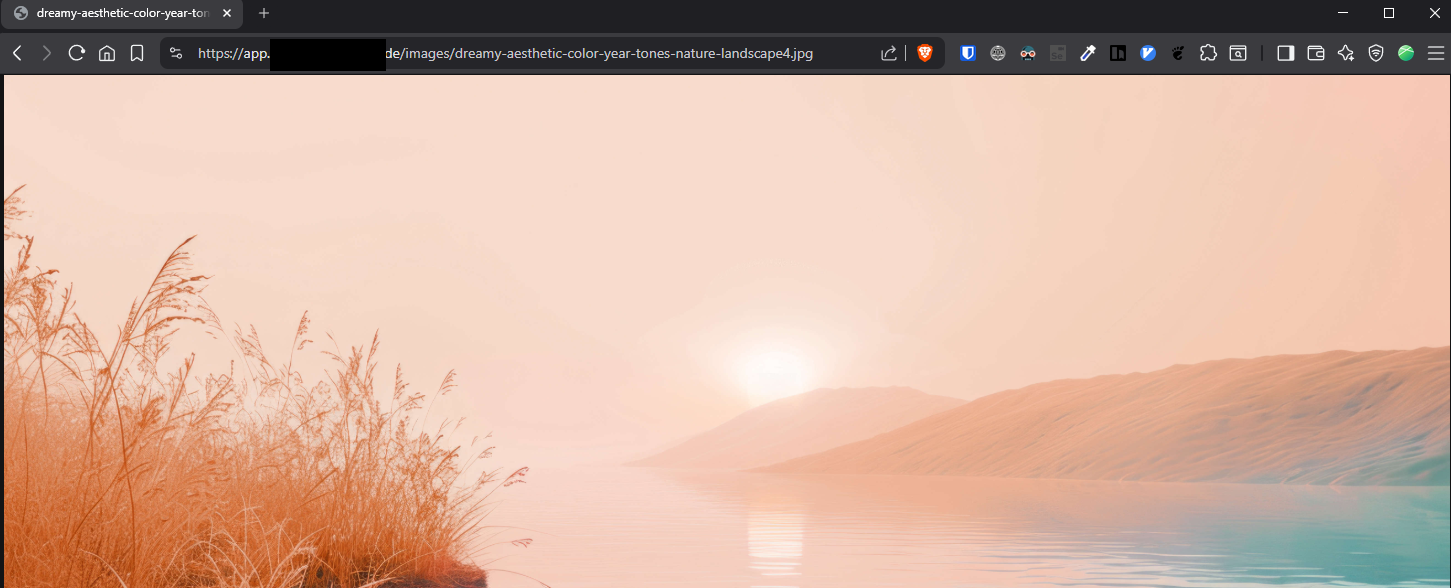
Danach sind die Dateien unter der url aufrufbar, zb
[https://app.MEINEDOMAIN.de/images/dreamy-aesthetic-color-year-tones-nature-landscape4.jpg](https://app.MEINEDOMAIN.de/images/dreamy-aesthetic-color-year-tones-nature-landscape4.jpg)
[](https://wiki.folkerts.it/uploads/images/gallery/2026-03/354image.png)
### Alte Einträge:
##### EA
```yaml
services:
nginxreverseproxymanager:
image: jlesage/nginx-proxy-manager
container_name: NginxReverseProxyManager
restart: unless-stopped
ports:
- 8082:8080
- 8181:8181
- 4443:4443
volumes:
- /srv/dev-disk-by-label-LaufwerkSRaid/LaufwerkS/docker/nginxreverseproxymanager:/config:rw
```
##### WPD
```yaml
version: "2"
services:
app:
image: 'jc21/nginx-proxy-manager:latest'
restart: unless-stopped
ports:
# These ports are in format :
- 8080:80 # Public HTTP Port
- 8443:443 # Public HTTPS Port
- 8181:81 # Admin Web Port
# Add any other Stream port you want to expose
# - '21:21' # FTP
# Uncomment the next line if you uncomment anything in the section
# environment:
# Uncomment this if you want to change the location of
# the SQLite DB file within the container
# DB_SQLITE_FILE: "/data/database.sqlite"
# Uncomment this if IPv6 is not enabled on your host
# DISABLE_IPV6: 'true'
volumes:
- ./nginx/data:/data
- ./nginx/letsencrypt:/etc/letsencrypt
```
STANDARDLOGIN
changeme
##### WIS / FN
```yaml
version: '3.8'
services:
app:
image: 'jc21/nginx-proxy-manager:2.9.22'
restart: always
ports:
- '80:80'
- '81:81'
- '443:443'
volumes:
- ./data2:/data
- ./letsencrypt2:/etc/letsencrypt
```