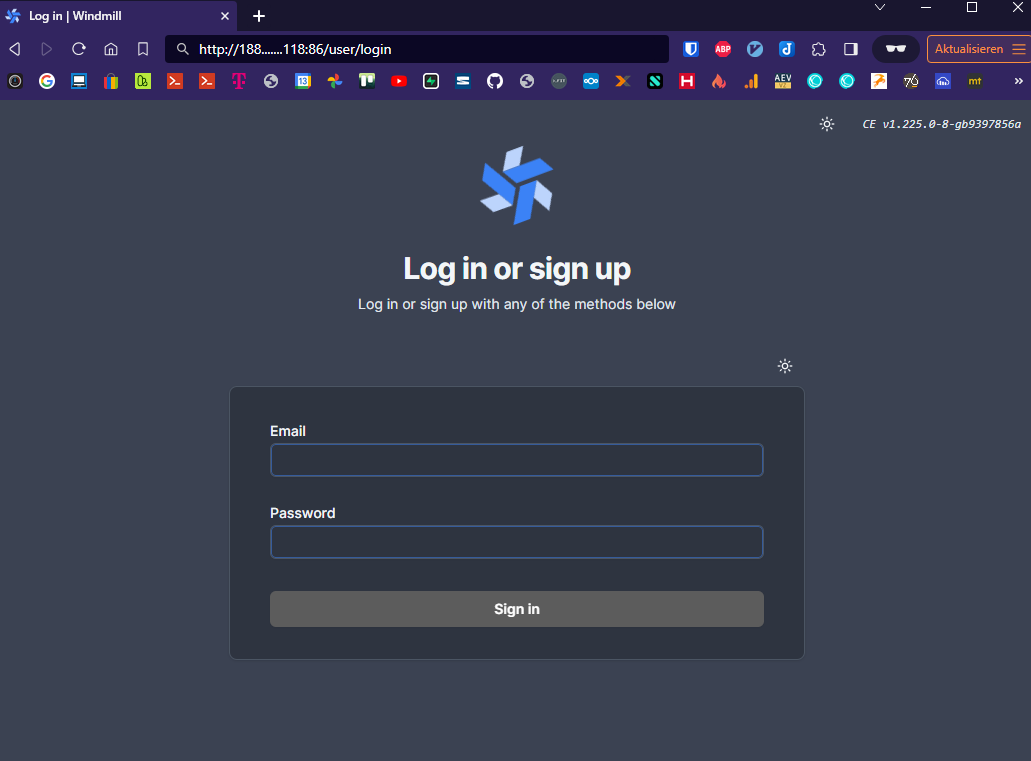
Windmill
Server um Pythonprogramme über eine WebUI mit APIs zu verknüpfen
https://www.windmill.dev/docs/advanced/self_host
https://github.com/windmill-labs/windmill/blob/main/docker-compose.yml
https://github.com/windmill-labs/windmill/blob/main/.env
https://github.com/windmill-labs/windmill/blob/main/Caddyfile
folgendes ändern:
Zeile 15: DB Passwort
Zeile 128: Dateipfad für die Caddyfile (siehe unten)
Zeile 132: Port für die Windmill WebUI
.env Datei: DB Passwort (siehe unten)
docker-compose.yml
version: "3.7"

services:
  db:
    deploy:
      # To use an external database, set replicas to 0 and set DATABASE_URL to the external database url in the .env file
      replicas: 1
    image: postgres:14
    restart: unless-stopped
    volumes:
      - db_data:/var/lib/postgresql/data
    expose:
      - 5432
    environment:
      POSTGRES_PASSWORD: MEIN.....PASSWORT
      POSTGRES_DB: windmill
    healthcheck:
      test: ["CMD-SHELL", "pg_isready -U postgres"]
      interval: 10s
      timeout: 5s
      retries: 5

  windmill_server:
    image: ${WM_IMAGE}
    pull_policy: always
    deploy:
      replicas: 1
    restart: unless-stopped
    expose:
      - 8000
    environment:
      - DATABASE_URL=${DATABASE_URL}
      - MODE=server
    depends_on:
      db:
        condition: service_healthy

  windmill_worker:
    image: ${WM_IMAGE}
    pull_policy: always
    deploy:
      replicas: 3
      resources:
        limits:
          cpus: "1"
          memory: 2048M
    restart: unless-stopped
    environment:
      - DATABASE_URL=${DATABASE_URL}
      - MODE=worker
      - WORKER_GROUP=default
    depends_on:
      db:
        condition: service_healthy
    # to mount the worker folder to debug, KEEP_JOB_DIR=true and mount /tmp/windmill
    volumes:
      # mount the docker socket to allow to run docker containers from within the workers
      - /var/run/docker.sock:/var/run/docker.sock
      - worker_dependency_cache:/tmp/windmill/cache

  ## This worker is specialized for "native" jobs. Native jobs run in-process and thus are much more lightweight than other jobs
  windmill_worker_native:
    # Use ghcr.io/windmill-labs/windmill-ee:main for the ee
    image: ${WM_IMAGE}
    pull_policy: always
    deploy:
      replicas: 2
      resources:
        limits:
          cpus: "0.1"
          memory: 128M
    restart: unless-stopped
    environment:
      - DATABASE_URL=${DATABASE_URL}
      - MODE=worker
      - WORKER_GROUP=native
    depends_on:
      db:
        condition: service_healthy

  ## This worker is specialized for reports or scrapping jobs. It is assigned the "reports" worker group which has an init script that installs chromium and can be targeted by using the "chromium" worker tag.
  # windmill_worker_reports:
  #   image: ${WM_IMAGE}
  #   pull_policy: always
  #   deploy:
  #     replicas: 1
  #     resources:
  #       limits:
  #         cpus: "1"
  #         memory: 2048M
  #   restart: unless-stopped
  #   environment:
  #     - DATABASE_URL=${DATABASE_URL}
  #     - MODE=worker
  #     - WORKER_GROUP=reports
  #   depends_on:
  #     db:
  #       condition: service_healthy
  #   # to mount the worker folder to debug, KEEP_JOB_DIR=true and mount /tmp/windmill
  #   volumes:
  #     # mount the docker socket to allow to run docker containers from within the workers
  #     - /var/run/docker.sock:/var/run/docker.sock
  #     - worker_dependency_cache:/tmp/windmill/cache

  lsp:
    image: ghcr.io/windmill-labs/windmill-lsp:latest
    pull_policy: always
    restart: unless-stopped
    expose:
      - 3001
    volumes:
      - lsp_cache:/root/.cache

  multiplayer:
    image: ghcr.io/windmill-labs/windmill-multiplayer:latest
    deploy:
      replicas: 0 # Set to 1 to enable multiplayer, only available on Enterprise Edition
    restart: unless-stopped
    expose:
      - 3002

  caddy:
    image: caddy:2.5.2-alpine
    restart: unless-stopped

    # Configure the mounted Caddyfile and the exposed ports or use another reverse proxy if needed
    volumes:
      - /var/lib/docker/volumes/windmill_caddy/Caddyfile:/etc/caddy/Caddyfile
      # - ./certs:/certs # Provide custom certificate files like cert.pem and key.pem to enable HTTPS - See the corresponding section in the Caffyfile
    ports:
      # To change the exposed port, simply change 80:80 to <desired_port>:80. No other changes needed
      - 86:80
      # - 443:443 # Uncomment to enable HTTPS handling by Caddy
    environment:
      - BASE_URL=":80"
#      - ADDRESS="localhost"
      # - BASE_URL=":443" # uncomment and comment line above to enable HTTPS via custom certificate and key files
      # - BASE_URL=mydomain.com # Uncomment and comment line above to enable HTTPS handling by Caddy

volumes:
  db_data: null
  worker_dependency_cache: null
  lsp_cache: null
.env
DATABASE_URL=postgres://postgres:MEIN......PASSWORT@db/windmill?sslmode=disable

# For Enterprise Edition, use:
# WM_IMAGE=ghcr.io/windmill-labs/windmill-ee:main
WM_IMAGE=ghcr.io/windmill-labs/windmill:main


# To use another port than :80, setup the Caddyfile and the caddy section of the docker-compose to your needs: https://caddyserver.com/docs/getting-started
# To have caddy take care of automatic TLS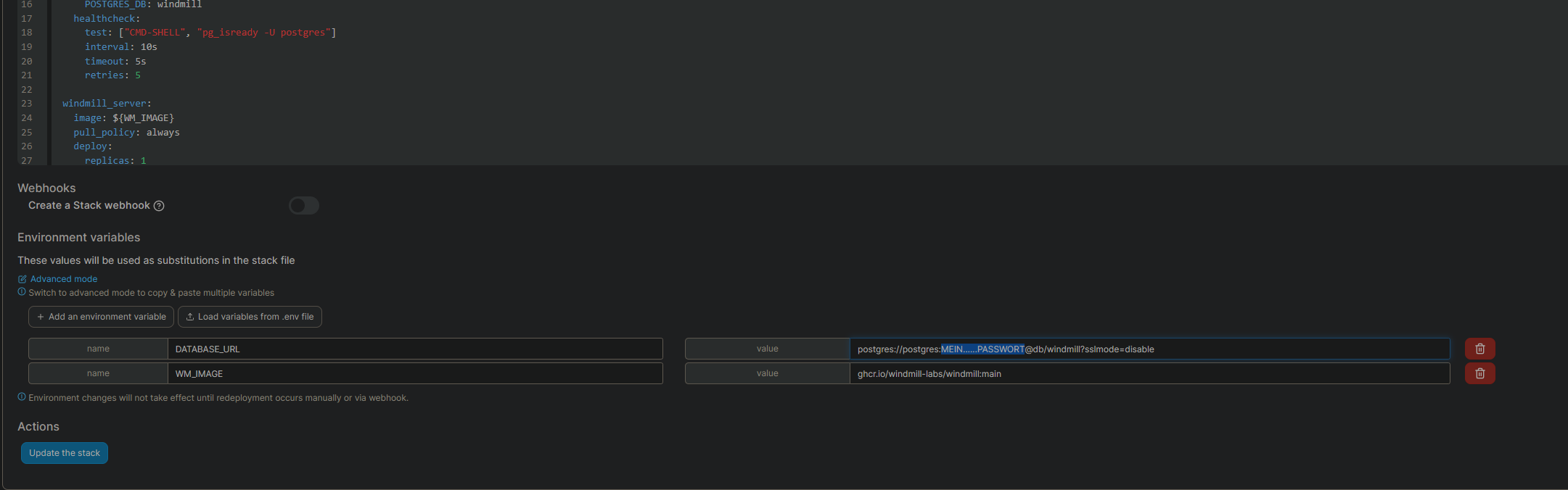
Caddy
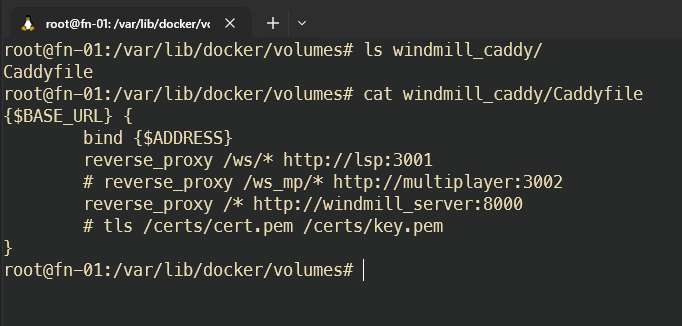
Auf dem Server eine Caddyfile anlegen:
/var/lib/docker/volumes/windmill_caddy/Caddyfile
{$BASE_URL} {
        bind {$ADDRESS}
        reverse_proxy /ws/* http://lsp:3001
        # reverse_proxy /ws_mp/* http://multiplayer:3002
        reverse_proxy /* http://windmill_server:8000
        # tls /certs/cert.pem /certs/key.pem
}
Diese Datei dann wie beschrieben in der docker-compose.yml verknüpfen (Zeile 128)
Login
email:
admin@windmill.dev
pw:
changeme
webui ist danach unter http://docker-ip:86 zu erreichen
prefilled link: http://docker-ip:86/user/login?email=admin@windmill.dev&password=changeme