
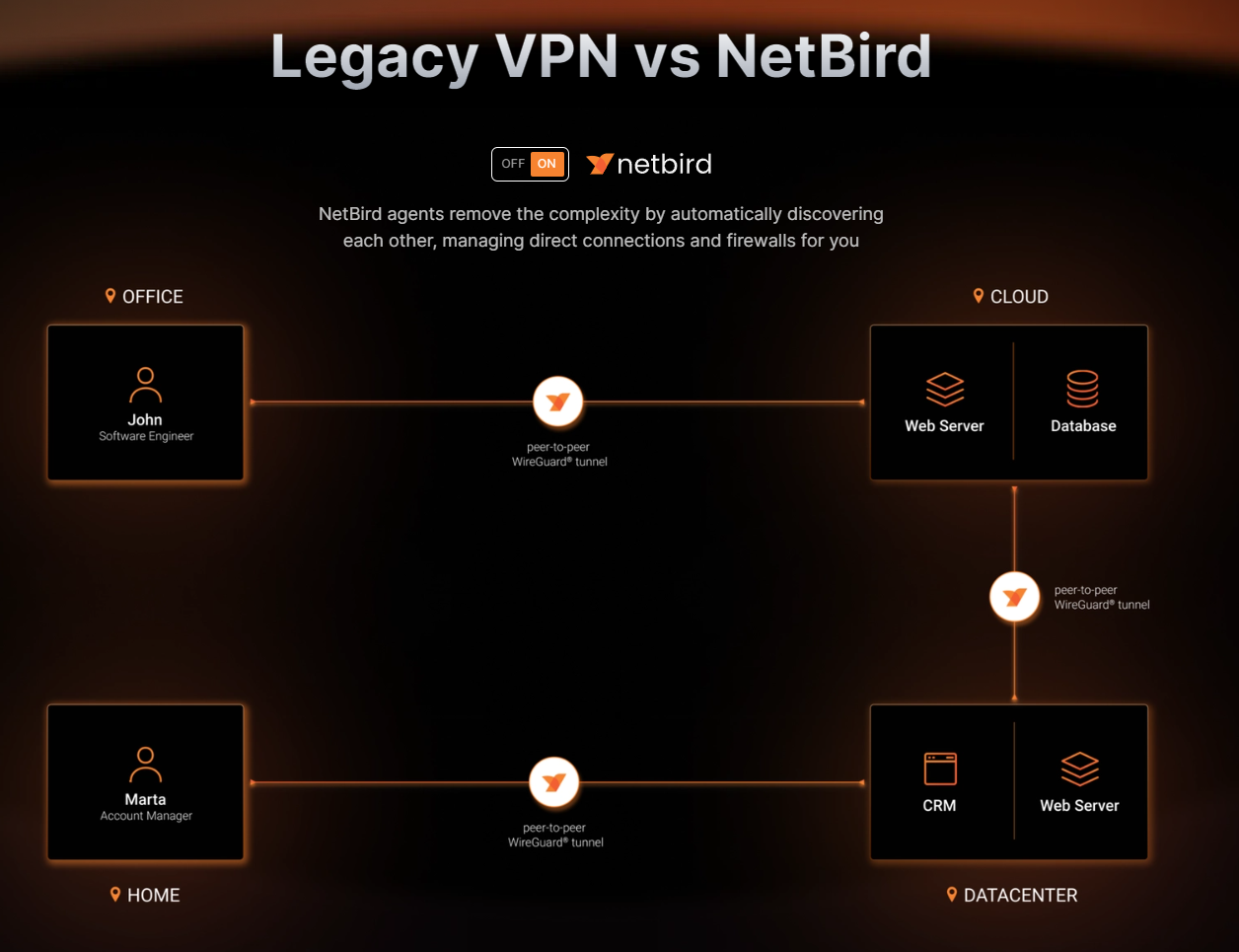
Netbird (VPN IT Infrastructure mit Wireguard und authentik)
https://docs.netbird.io/selfhosted/selfhosted-guide#step-2-prepare-configuration-files
https://docs.netbird.io/selfhosted/identity-providers#authentik
Folge dieser Anleitung: https://docs.netbird.io/selfhosted/selfhosted-guide
Es wird ein Skript zur Verfügung gestellt, mit dem man eine docker-compose.yml nach eigenen Wünschen aus template Dateien erzeugen kann.
Anleitung ganz genau lesen!
VIDEO DAZU: https://www.youtube.com/watch?v=QQaRB1vL6Q8
ALT:
version: "3"
services:
  #UI dashboard
  dashboard:
    image: netbirdio/dashboard:$NETBIRD_DASHBOARD_TAG
    restart: unless-stopped
    ports:
      - 8567:80
      - 4567:443
    env_file:
      - stack.env
    environment:
      # Endpoints
      - NETBIRD_MGMT_API_ENDPOINT=$NETBIRD_MGMT_API_ENDPOINT
      - NETBIRD_MGMT_GRPC_API_ENDPOINT=$NETBIRD_MGMT_API_ENDPOINT
      # OIDC
      - AUTH_AUDIENCE=$NETBIRD_DASH_AUTH_AUDIENCE
      - AUTH_CLIENT_ID=$NETBIRD_AUTH_CLIENT_ID
      - AUTH_CLIENT_SECRET=$NETBIRD_AUTH_CLIENT_SECRET
      - AUTH_AUTHORITY=$NETBIRD_AUTH_AUTHORITY
      - USE_AUTH0=$NETBIRD_USE_AUTH0
      - AUTH_SUPPORTED_SCOPES=$NETBIRD_AUTH_SUPPORTED_SCOPES
      - AUTH_REDIRECT_URI=$NETBIRD_AUTH_REDIRECT_URI
      - AUTH_SILENT_REDIRECT_URI=$NETBIRD_AUTH_SILENT_REDIRECT_URI
      - NETBIRD_TOKEN_SOURCE=$NETBIRD_TOKEN_SOURCE
      # SSL
      - NGINX_SSL_PORT=443
      # Letsencrypt
      #- LETSENCRYPT_DOMAIN=$NETBIRD_LETSENCRYPT_DOMAIN
      #- LETSENCRYPT_EMAIL=$NETBIRD_LETSENCRYPT_EMAIL
    volumes:
      - $LETSENCRYPT_VOLUMENAME:/etc/letsencrypt/
    logging:
      driver: "json-file"
      options:
        max-size: "500m"
        max-file: "2"
  # Signal
  signal:
    image: netbirdio/signal:$NETBIRD_SIGNAL_TAG
    restart: unless-stopped
    volumes:
      - $SIGNAL_VOLUMENAME:/var/lib/netbird
    env_file:
      - stack.env
    ports:
      - $NETBIRD_SIGNAL_PORT:80
  #      # port and command for Let's Encrypt validation
  #      - 443:443
  #    command: ["--letsencrypt-domain", "$NETBIRD_LETSENCRYPT_DOMAIN", "--log-file", "console"]
    logging:
      driver: "json-file"
      options:
        max-size: "500m"
        max-file: "2"

  # Management
  management:
    image: netbirdio/management:$NETBIRD_MANAGEMENT_TAG
    restart: unless-stopped
    depends_on:
      - dashboard
    volumes:
      - $MGMT_VOLUMENAME:/var/lib/netbird
      - $LETSENCRYPT_VOLUMENAME:/etc/letsencrypt:ro
      - ./management.json:/etc/netbird/management.json
    env_file:
      - stack.env
    ports:
      - $NETBIRD_MGMT_API_PORT:443 #API port
  #    # command for Let's Encrypt validation without dashboard container
  #    command: ["--letsencrypt-domain", "$NETBIRD_LETSENCRYPT_DOMAIN", "--log-file", "console"]
    command: [
      "--port", "443",
      "--log-file", "console",
      "--log-level", "info",
      "--disable-anonymous-metrics=$NETBIRD_DISABLE_ANONYMOUS_METRICS",
      "--single-account-mode-domain=$NETBIRD_MGMT_SINGLE_ACCOUNT_MODE_DOMAIN",
      "--dns-domain=$NETBIRD_MGMT_DNS_DOMAIN"
      ]
    logging:
      driver: "json-file"
      options:
        max-size: "500m"
        max-file: "2"
  # Coturn
  coturn:
    image: coturn/coturn:$COTURN_TAG
    restart: unless-stopped
    #domainname: $TURN_DOMAIN # only needed when TLS is enabled
    env_file:
      - stack.env
    volumes:
      - ./turnserver.conf:/etc/turnserver.conf:ro
    #      - ./privkey.pem:/etc/coturn/private/privkey.pem:ro
    #      - ./cert.pem:/etc/coturn/certs/cert.pem:ro
    network_mode: host
    command:
      - -c /etc/turnserver.conf
    logging:
      driver: "json-file"
      options:
        max-size: "500m"
        max-file: "2"
volumes:
  $MGMT_VOLUMENAME:
  $SIGNAL_VOLUMENAME:
  $LETSENCRYPT_VOLUMENAME:
https://github.com/netbirdio/netbird/blob/main/infrastructure_files/setup.env.example
## example file, you can copy this file to setup.env and update its values
##

# Image tags
# you can force specific tags for each component; will be set to latest if empty
NETBIRD_DASHBOARD_TAG=""
NETBIRD_SIGNAL_TAG=""
NETBIRD_MANAGEMENT_TAG=""
COTURN_TAG=""

# Dashboard domain. e.g. app.mydomain.com
NETBIRD_DOMAIN=""

# TURN server domain. e.g. turn.mydomain.com
# if not specified it will assume NETBIRD_DOMAIN
NETBIRD_TURN_DOMAIN=""

# TURN server public IP address
# required for a connection involving peers in
# the same network as the server and external peers
# usually matches the IP for the domain set in NETBIRD_TURN_DOMAIN
NETBIRD_TURN_EXTERNAL_IP=""

# -------------------------------------------
# OIDC
#  e.g., https://example.eu.auth0.com/.well-known/openid-configuration
# -------------------------------------------
NETBIRD_AUTH_OIDC_CONFIGURATION_ENDPOINT=""
# The default setting is to transmit the audience to the IDP during authorization. However,
# if your IDP does not have this capability, you can turn this off by setting it to false.
#NETBIRD_DASH_AUTH_USE_AUDIENCE=false
NETBIRD_AUTH_AUDIENCE=""
# e.g. netbird-client
NETBIRD_AUTH_CLIENT_ID=""
# indicates the scopes that will be requested to the IDP
NETBIRD_AUTH_SUPPORTED_SCOPES=""
# NETBIRD_AUTH_CLIENT_SECRET is required only by Google workspace.
# NETBIRD_AUTH_CLIENT_SECRET=""
# if you want to use a custom claim for the user ID instead of 'sub', set it here
# NETBIRD_AUTH_USER_ID_CLAIM=""
# indicates whether to use Auth0 or not: true or false
NETBIRD_USE_AUTH0="false"
# if your IDP provider doesn't support fragmented URIs, configure custom
# redirect and silent redirect URIs, these will be concatenated into your NETBIRD_DOMAIN domain.
# NETBIRD_AUTH_REDIRECT_URI="/peers"
# NETBIRD_AUTH_SILENT_REDIRECT_URI="/add-peers"
# Updates the preference to use id tokens instead of access token on dashboard
# Okta and Gitlab IDPs can benefit from this
# NETBIRD_TOKEN_SOURCE="idToken"
# -------------------------------------------
# OIDC Device Authorization Flow
# -------------------------------------------
NETBIRD_AUTH_DEVICE_AUTH_PROVIDER="none"
NETBIRD_AUTH_DEVICE_AUTH_CLIENT_ID=""
# Some IDPs requires different audience, scopes and to use id token for device authorization flow
# you can customize here:
NETBIRD_AUTH_DEVICE_AUTH_AUDIENCE=$NETBIRD_AUTH_AUDIENCE
NETBIRD_AUTH_DEVICE_AUTH_SCOPE="openid"
NETBIRD_AUTH_DEVICE_AUTH_USE_ID_TOKEN=false
# -------------------------------------------
# OIDC PKCE Authorization Flow
# -------------------------------------------
# Comma separated port numbers. if already in use, PKCE flow will choose an available port from the list as an alternative
# eg. 53000,54000
NETBIRD_AUTH_PKCE_REDIRECT_URL_PORTS="53000"
# -------------------------------------------
# IDP Management
# -------------------------------------------
# eg. zitadel, auth0, azure, keycloak
NETBIRD_MGMT_IDP="authentik"
# Some IDPs requires different client id and client secret for management api
NETBIRD_IDP_MGMT_CLIENT_ID=$NETBIRD_AUTH_CLIENT_ID
NETBIRD_IDP_MGMT_CLIENT_SECRET=""
# Required when setting up with Keycloak "https://<YOUR_KEYCLOAK_HOST_AND_PORT>/admin/realms/netbird"
# NETBIRD_IDP_MGMT_EXTRA_ADMIN_ENDPOINT=
# With some IDPs may be needed enabling automatic refresh of signing keys on expire
# NETBIRD_MGMT_IDP_SIGNKEY_REFRESH=false
# NETBIRD_IDP_MGMT_EXTRA_ variables. See https://docs.netbird.io/selfhosted/identity-providers for more information about your IDP of choice.
# -------------------------------------------
# Letsencrypt
# -------------------------------------------
# Disable letsencrypt
#  if disabled, cannot use HTTPS anymore and requires setting up a reverse-proxy to do it instead
NETBIRD_DISABLE_LETSENCRYPT=false
# e.g. hello@mydomain.com
NETBIRD_LETSENCRYPT_EMAIL=""
# -------------------------------------------
# Extra settings
# -------------------------------------------
# Disable anonymous metrics collection, see more information at https://netbird.io/docs/FAQ/metrics-collection
NETBIRD_DISABLE_ANONYMOUS_METRICS=false
# DNS DOMAIN configures the domain name used for peer resolution. By default it is netbird.selfhosted
NETBIRD_MGMT_DNS_DOMAIN=netbird.selfhosted
## example file, you can copy this file to setup.env and update its values
##

# Image tags
# you can force specific tags for each component; will be set to latest if empty
NETBIRD_DASHBOARD_TAG=""
NETBIRD_SIGNAL_TAG=""
NETBIRD_MANAGEMENT_TAG=""
COTURN_TAG=""

# Dashboard domain. e.g. app.mydomain.com
NETBIRD_DOMAIN="https://netbird.MEINEDOMAIN.DE"

# TURN server domain. e.g. turn.mydomain.com
# if not specified it will assume NETBIRD_DOMAIN
NETBIRD_TURN_DOMAIN=""

# TURN server public IP address
# required for a connection involving peers in
# the same network as the server and external peers
# usually matches the IP for the domain set in NETBIRD_TURN_DOMAIN
NETBIRD_TURN_EXTERNAL_IP=""


LETSENCRYPT_VOLUMENAME=Letsencrypt
SIGNAL_VOLUMENAME=Signal
MGMT_VOLUMENAME=Mgmt

NETBIRD_DISABLE_LETSENCRYPT=true
NETBIRD_MGMT_API_PORT=449

NETBIRD_AUTH_OIDC_CONFIGURATION_ENDPOINT="https://auth.MEINEDOMAIN.DE/application/o/netbird/.well-known/openid-configuration"
NETBIRD_USE_AUTH0=false
NETBIRD_AUTH_CLIENT_ID="mhynvp4COwLb0"
NETBIRD_AUTH_SUPPORTED_SCOPES="..."
NETBIRD_AUTH_AUDIENCE="mhynvp4wLb0"
NETBIRD_AUTH_DEVICE_AUTH_CLIENT_ID="mhynvwLb0"
NETBIRD_AUTH_DEVICE_AUTH_AUDIENCE="mhynwLb0"

NETBIRD_MGMT_IDP="authentik"
NETBIRD_IDP_MGMT_CLIENT_ID="mhynvOwLb0"
NETBIRD_IDP_MGMT_EXTRA_USERNAME="Netbird"
NETBIRD_IDP_MGMT_EXTRA_PASSWORD="DySom78"