
Nextcloud CLI (occ zb files:scan) im Docker Container verwenden
Interaktiv in der Console
docker exec -it -u 33 nextcloud-app-1 /bin/bash
# im container dann zb sowas ausführen:
php occ files:scan --all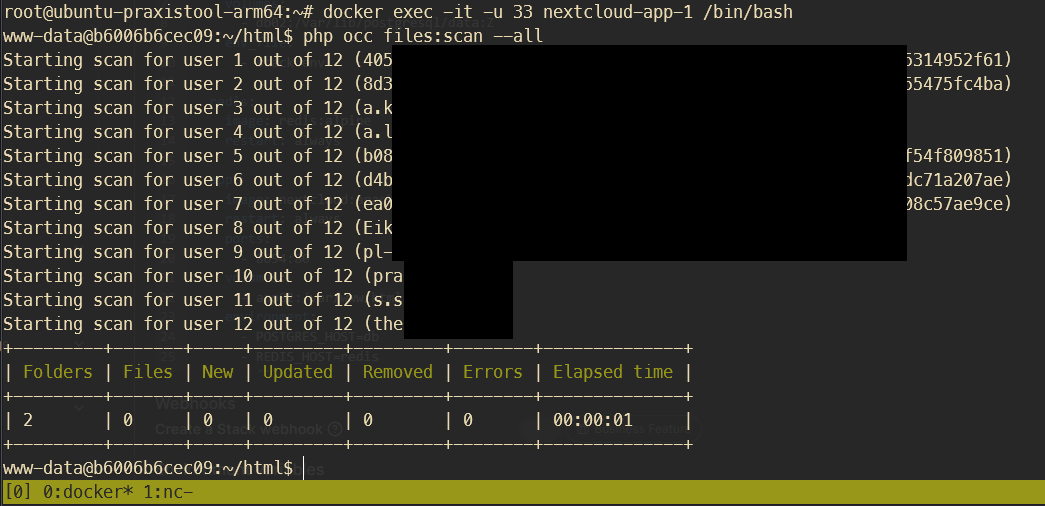
Troubleshooting
Fehlermeldung beim Befehl files:scan --all
... "file.pdf" will not be accessible due to incompatible encoding ...

Lösung: https://github.com/nextcloud/server/issues/3136#issuecomment-579470343
apt update
apt install convmv
# Entweder direkt ohne Test oder --notest weglassen um Vorgang zu testen
convmv -f utf-8 -t utf-8 -r --notest --nfc <nextcloud-data-folder>
via Portainer
https://www.reddit.com/r/NextCloud/comments/croxkm/how_to_use_occ_scan_on_a_docker_install/
zuerst in den Docker container gehen (zb Portainer oder über Konsole) und folgendes Kommando testen:
php occ maintenance:mode --on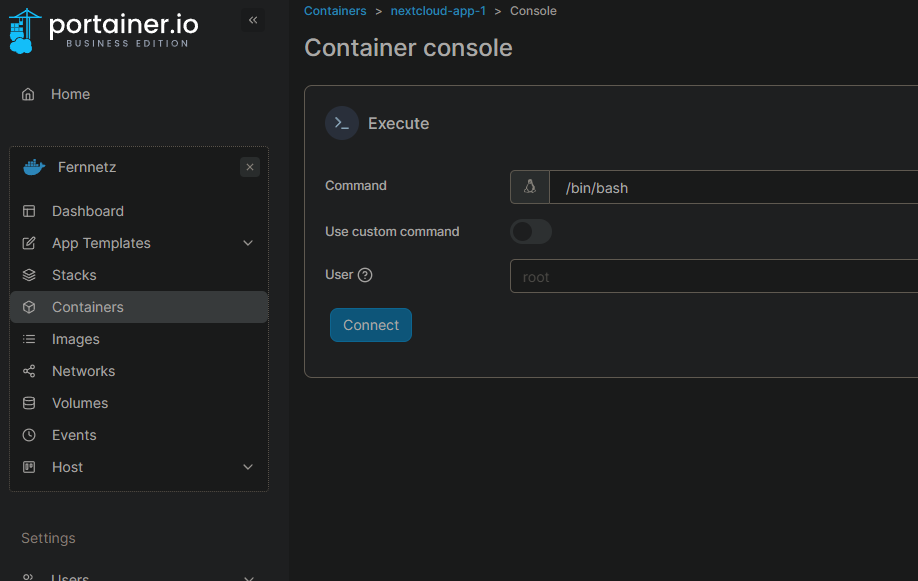
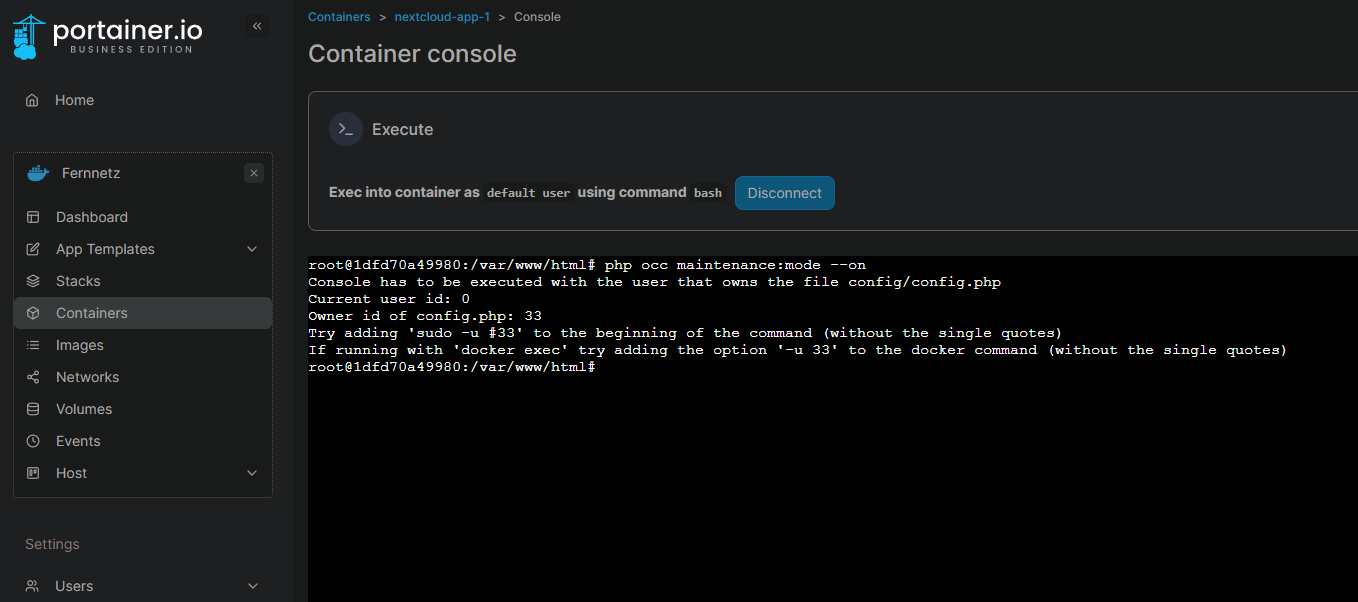
evtl kommt folgende Fehlermeldung:
root@1dfd70a49980:/var/www/html# php occ maintenance:mode --on
Console has to be executed with the user that owns the file config/config.php
Current user id: 0
Owner id of config.php: 33
Try adding 'sudo -u #33' to the beginning of the command (without the single quotes)
If running with 'docker exec' try adding the option '-u 33' to the docker command (without the single quotes)
danach die Konsole des Containers nochmal starten, diesmal mit dem vorgeschlagenen Nutzer (user id 33 in meinem Fall, wie in der Ausgabe vorgeschlagen):
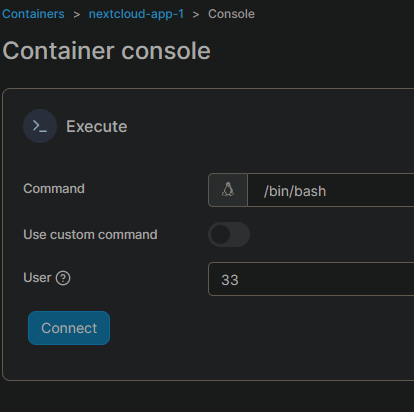
und dann
./occ maintenance:mode --on
oder wenn man kein portainer nutzt:
docker exec container_name sudo -u 33 php7 /var/www/html/occ files:scan --all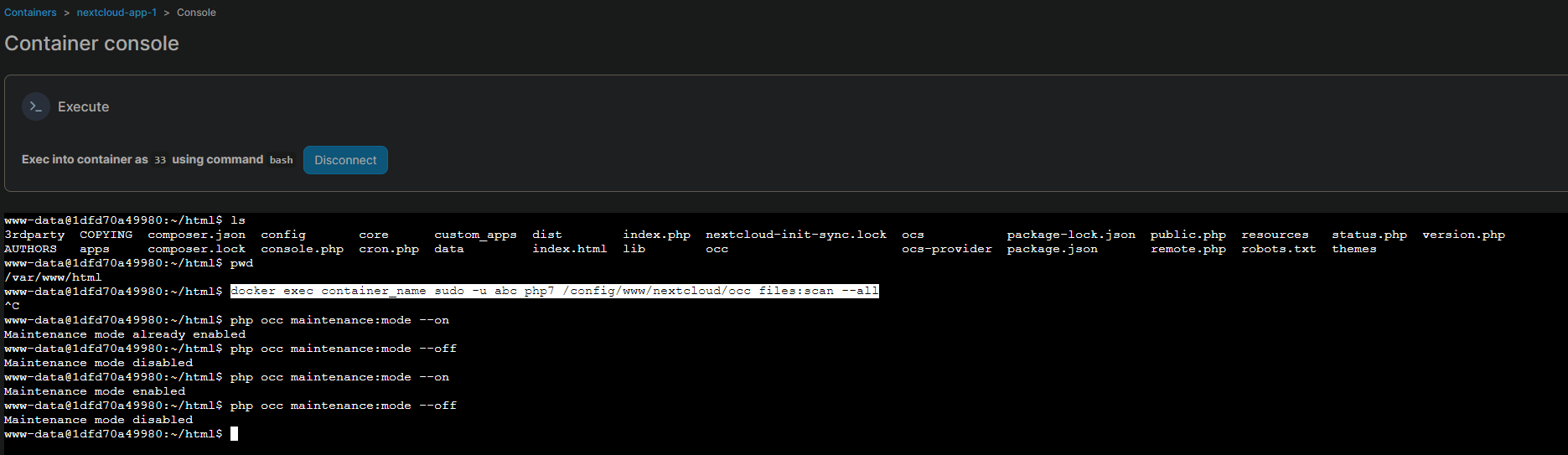
WICHTIG
auf den Ordner achten. Auszug aus dem reddit post (siehe oben)
With something like this, the path to occ is important. It's either under /config/www/nextcloud or /var/www/html.
Also, if you see occ but you can't run commands like so - occ files:scan <user> then ./occ files:scan <user> can sometimes fix it.