backrest (restic repo GUI mit Autobackups)
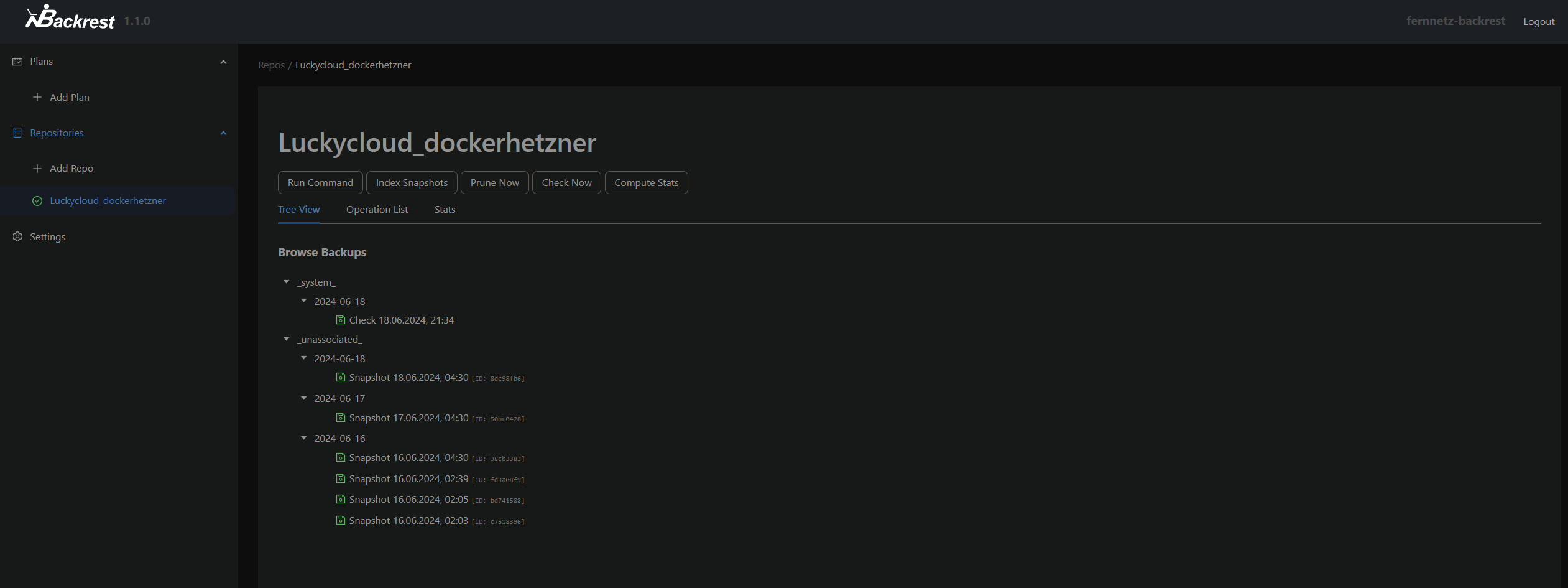
https://github.com/garethgeorge/backrest
version: "3.2"
services:
  backrest:
    image: garethgeorge/backrest
    container_name: backrest
    hostname: backrest
    volumes:
      - data:/data
      - config:/config
      - cache:/cache
      - /var/lib/docker/volumes:/docker-var-lib
      - /data/compose:/docker-data-compose
      #- /MY-BACKUP-DATA:/userdata # [optional] mount local paths to backup here.
      #- /MY-REPOS:/repos # [optional] mount repos if using local storage, not necessary for remotes e.g. B2, S3, etc.
    environment:
      - BACKREST_DATA=/data # path for backrest data. restic binary and the database are placed here.
      - BACKREST_CONFIG=/config/config.json # path for the backrest config file.
      - XDG_CACHE_HOME=/cache # path for the restic cache which greatly improves performance.
      - TZ=Europe/Berlin # set the timezone for the container, used as the timezone for cron jobs.
    restart: unless-stopped
    ports:
      - 9898:9898

volumes:
  data:
  config:
  cache:
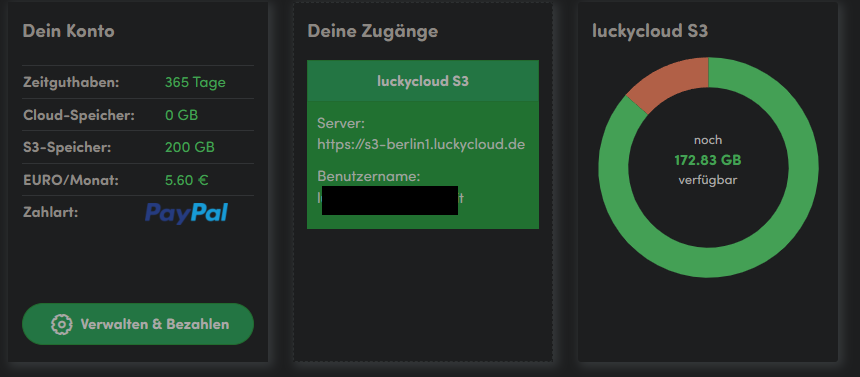
Konfiguration mit Luckycloud
In Luckyclouc einen S3 Speicher anlegen:
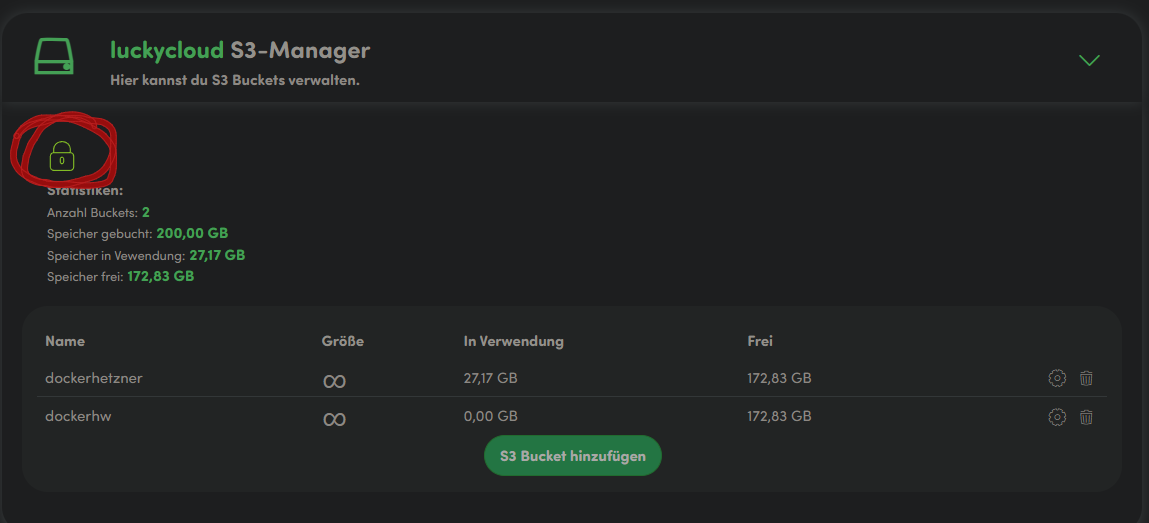
auf das grüne Schloss drücken, um die Zugangsdaten AWS_ACCESS_KEY_ID und AWS_SECRET_ACCESS_KEY zu erhalten:
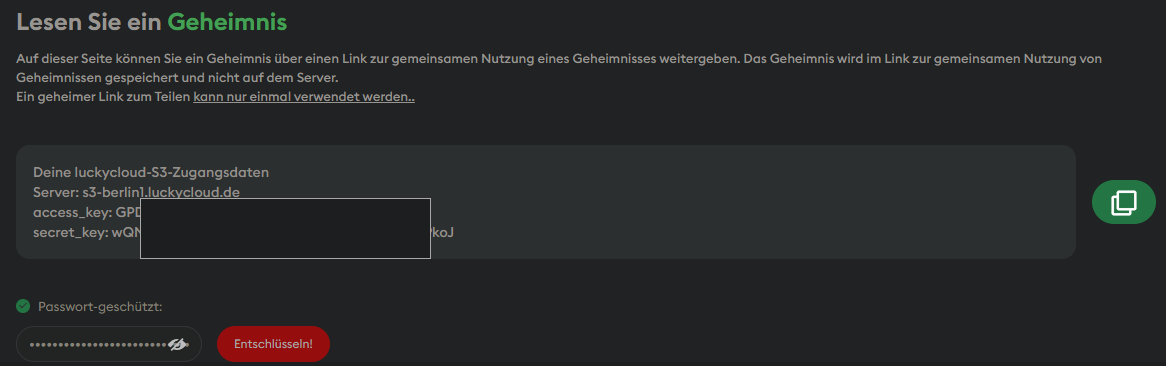
die Zugangsdaten bei backrest als neues repo anlegen:
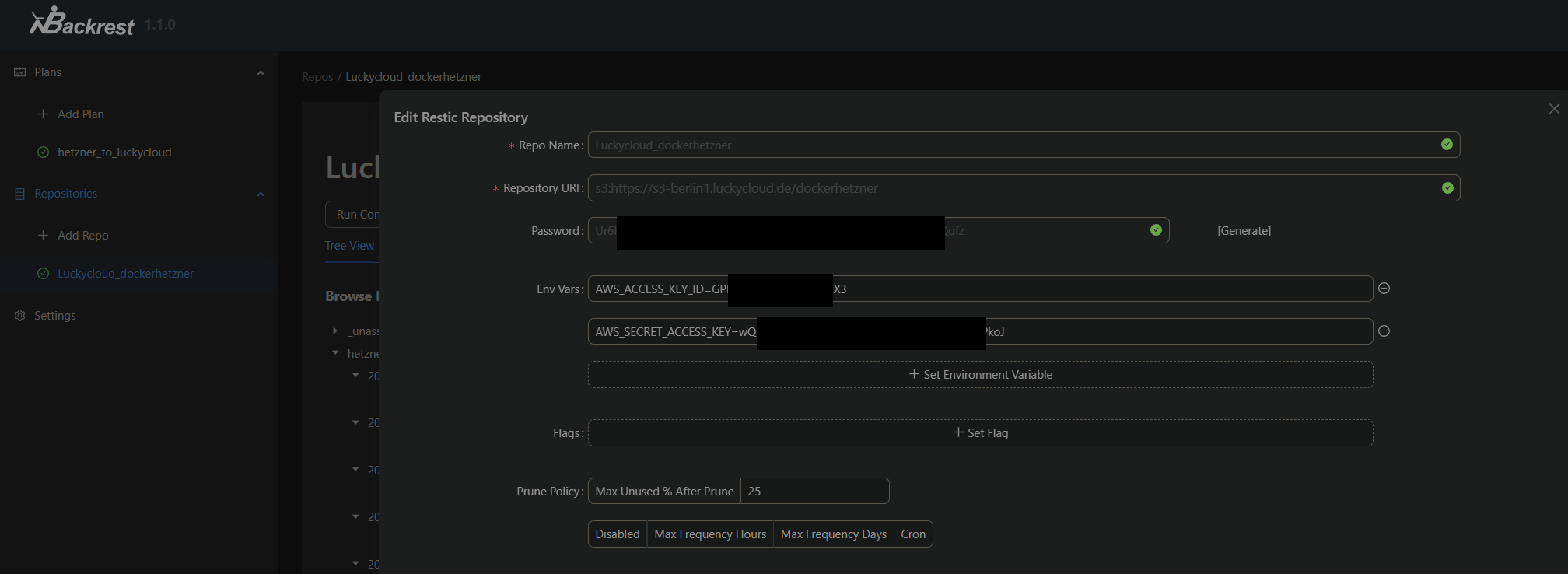
die repository url ist dann sowas wie
s3:https://<luckycloudserver>.luckycloud.de/<bucketname>
und ist zu finden im luckycloud portal: